

I wanted to make some sort of companion tool/app for the original Nintendo Wii and whilst trying to come up with an app idea, I came across the Wii Parental Control Reset Tool that was created by Hector Martin back in 2008: https://marcan.github.io/wii-parental-reset-tool/ and decided to try and make a desktop app version of it.
Parental Controls on the Nintendo Wii were used to set a ‘Highest Game Rating Allowed’ setting where you could choose an ESRB rating of games you would like to be accessed by the console i.e. “Everyone 10+” rating could be set as the highest game rating allowed, preventing you from playing “Mature” 17+ games on the console such as Resident Evil 4. You could also restrict other settings such as purchasing, messaging, internet access, news etc.
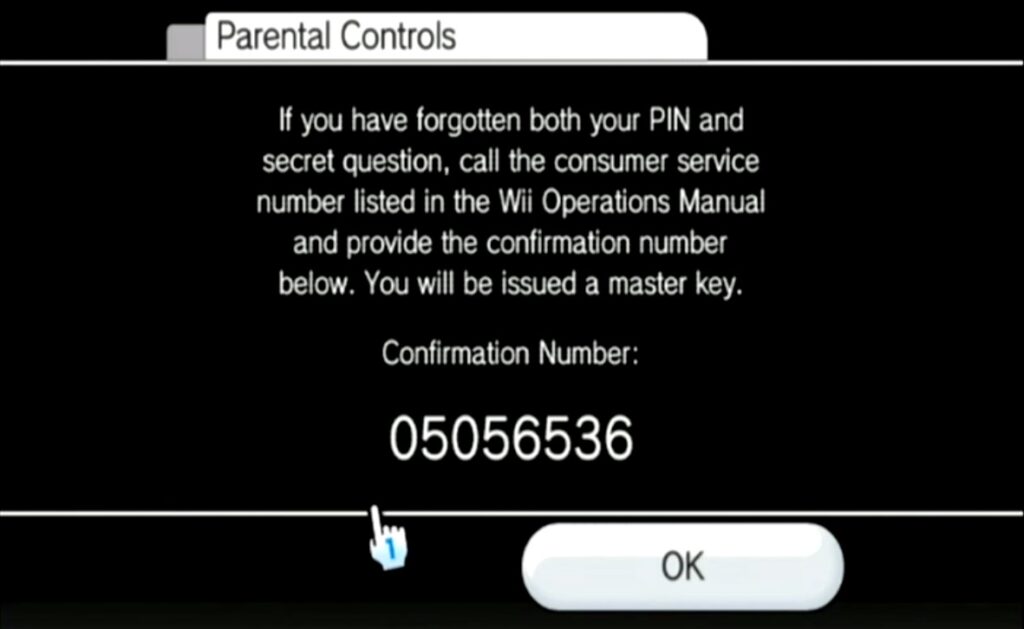
These controls are protected by a 4 digit PIN and security question. If you cannot remember the PIN and don’t know the answer to the security question, the Wii will display an 8 digit confirmation number for you. You could provide this to Nintendo support but I’m not sure if they will still support you given the Wii’s age.
If you ever buy a Nintendo Wii secondhand with parental controls, the only way of unlocking it is by using Hector Martin’s tool which he made after reverse engineering this whole process back in 2008 and made the source code publicly available.
Note – for the correct master key to be generated, the date must be correct on the Nintendo Wii.
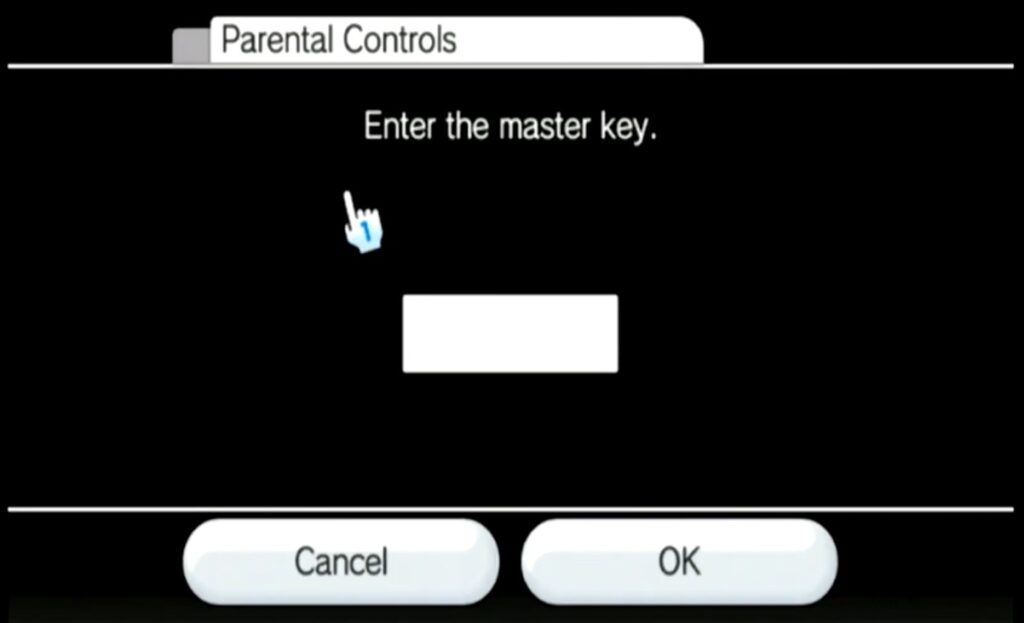
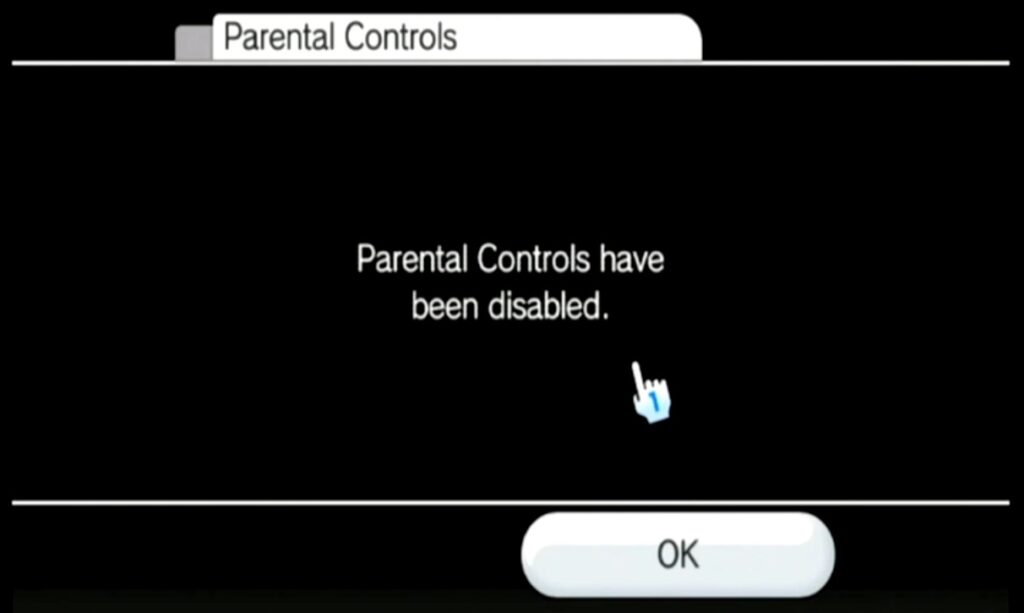
App
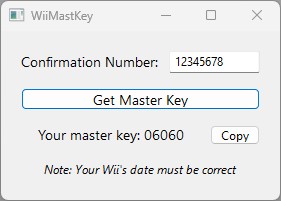
You just need to simply type in your confirmation number, then click ‘Get Master Key’ (as the date is used for the calculation, the Wii’s date must be correct in order for this to work)
How it works
I’ve made this app in Xojo so it’s cross platform (runs on macOS & Windows) and it will work offline (as the process doesn’t require internet access) Also, it doesn’t use any external libraries & doesn’t ask you for the date as that is done in the background.
From what I understand based off Hector Martin’s source code, below is how the master key is generated based off the confirmation number you get from the Wii:
| Data | Example | Values Used |
|---|---|---|
| 8 digit confirmation number | 12345678 | Last 4 digits: 5678 |
| Today’s Date | April 20th | Written as 4 digits: 0420 |
The 8 digit string then becomes 0420 + 5678 = 04205678
Step 1
The CRC32 algorithm takes each number’s ASCII code one by one and mixes it using a fixed set of rules starting with this number (as it’s the highest number in 32 binary digits): 4,294,967,296
04205678 > CRC32 outputs: -189,176,431
Step 2
This step has 2 parts, the negative number is converted into a positive number by a simple subtraction step (using the highest number in 32 binary digits again, we minus the negative number from that):
- 4,294,967,296 − 189,176,431 = 4,105,790,865
The next step is using XOR, which is used to compare 2 numbers in binary. You XOR the number against 43690 which is a random number Nintendo chose)
- 4,105,790,865 XOR 43690 = 4,105,817,915
Step 3
You simply add 5313 in this step. Again, it’s a random number Nintendo chose:
- 4,105,817,915 + 5313 = 4,105,823,228
Step 4
The last step is to chop the number down to 5 digits using Modulo. This means, you divide it by 100,000 and then use the remainder:
- 4,105,823,228 ÷ 100,000 = 41,058
The remainder is: 23,228
Then you strip the comma, and there is your master key: 23228
As mentioned at the top of the post, it is important that the date is correct on the Wii before running this tool.